ID: #010/Printer Offline - Faulty Ethernet Jack
Ticket Details
- Priority: High
- Category: Printer
- Time to Resolve: 10 minutes
User's Report
"Hey, so there's this printer in the hallway that stop working and I need you to come and have a look at it. I have some paper that need to print before tomorrow. I will be in my office in the mean time working on something else. Thank you."
My Troubleshooting Process
[15:00] INITIAL CONTACT | VERIFY ISSUE
- Meet up with the user at their office and asked them to print with their device
- Confirmed that the user followed the right step to print the document, yet the printer was not working

[15:10] FOLLOW UP TROUBLESHOOTING | RESOLUTION
- Check the power cable of the printer; it was plugged firmly into the wall outlet
- The printer screen and other functions were working normally, no pop-up or icon was displaying any issue
- Notice that the Ethernet light on the printer was not on
- Asked the user to plug their cable into another Ethernet jack, the Ethernet light turned on
- Navigate to the printer Network Settings and verify it has the correct IP address
- The user could print their document, and verified that the issue was fixed
- Give the user some educational information
Resolution & Communication
[15:00] INITIAL CONTACT | VERIFY ISSUE
- Meet up with the user at their office and asked them to print with their device
- Confirmed that the user followed the right step to print the document, yet the printer was not working
[15:10] FOLLOW UP TROUBLESHOOTING | RESOLUTION
- Check the power cable of the printer; it was plugged firmly into the wall outlet
- The printer screen and other functions were working normally, no pop-up or icon was displaying any issue
- Notice that the Ethernet light on the printer was not on
- Asked the user to plug their cable into another Ethernet jack, the Ethernet light turned on
- Navigate to the printer Network Settings and verify it has the correct IP address
- The user could print their document, and verified that the issue was fixed
- Give the user some educational information
My response to user:
"I have resolved the issue with your printer, and it is now back online.
Upon inspection, I found that the Ethernet jack your printer was originally plugged into was inactive or faulty. This prevented the printer from communicating with the network, even though the printer itself was powered on.
A quick way to check if your printer is "connected" to the internet is to look at the small lights where the cable plugs in. If those lights are completely dark, it usually means there is a problem with the cable or the jack.
Your printer is ready for use. Please let me know if you encounter any further issues.
Best regards,"
As Documented in Spiceworks
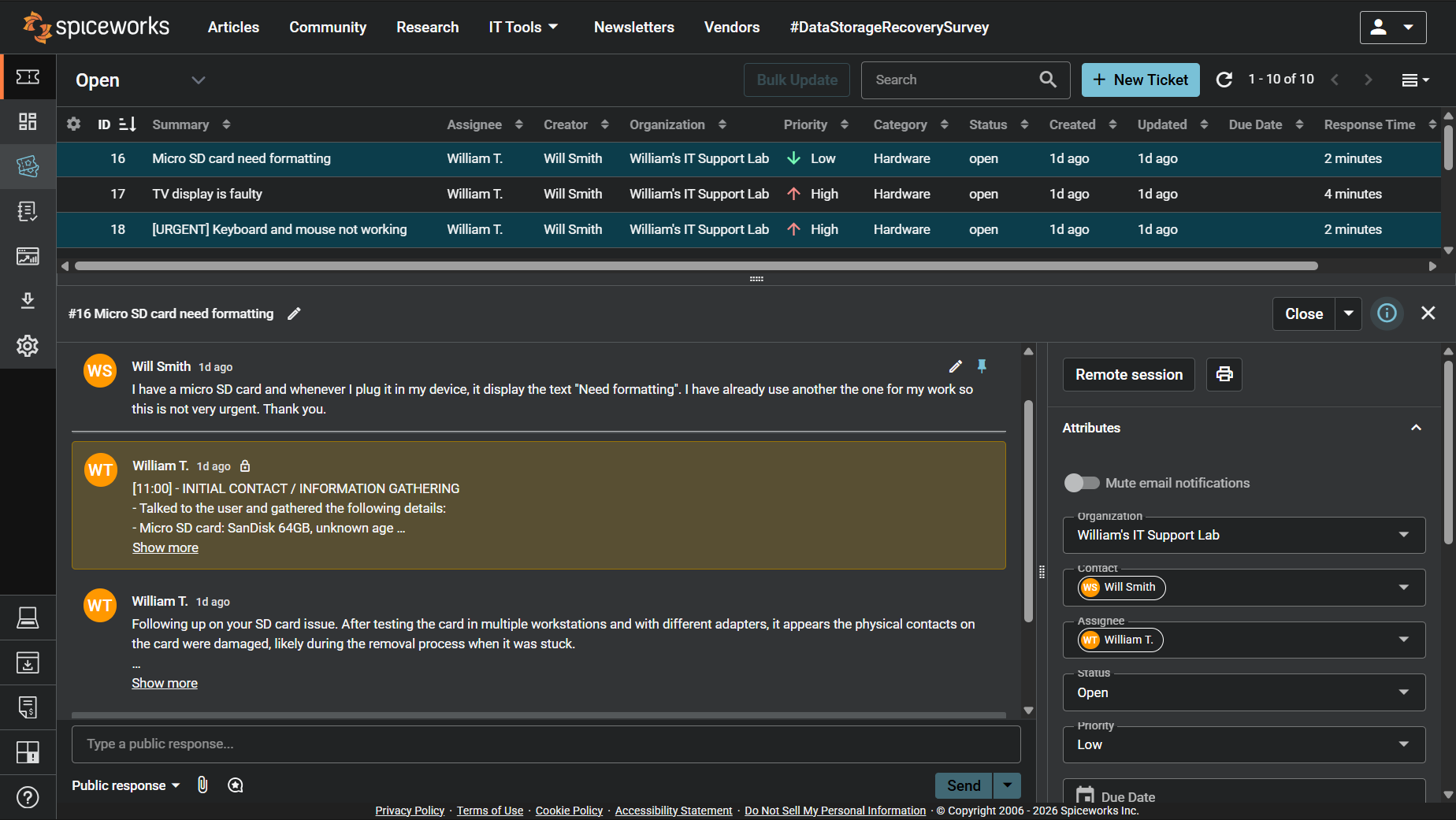
Screenshot: Complete ticket view in Spiceworks showing ticket flow and documentation (click to view full size)